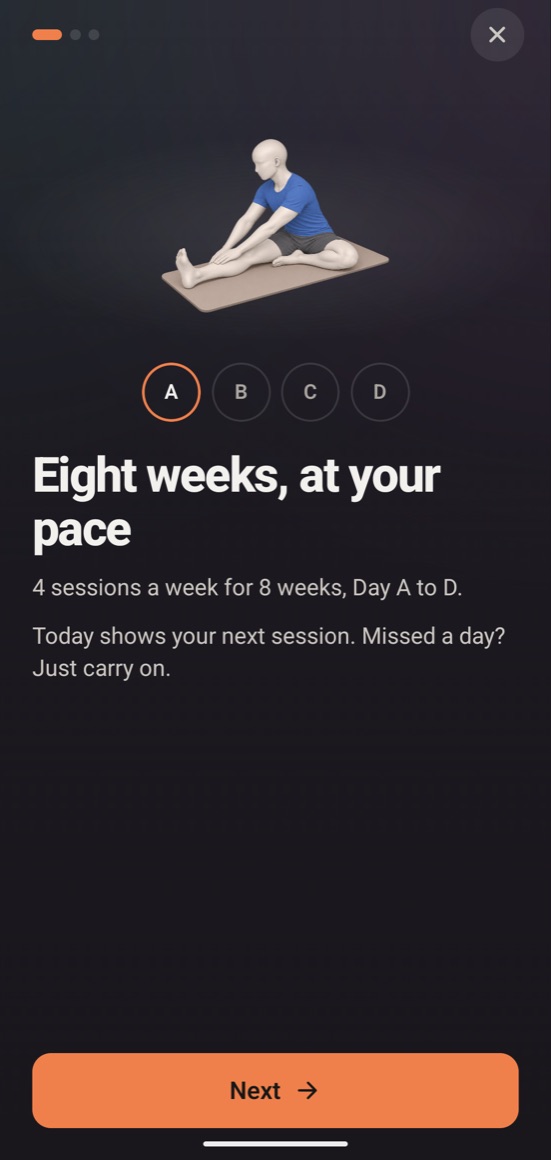
4 sessions a week for 8 weeks, Day A to D. Today shows your next session. Missed a day? Just carry on.
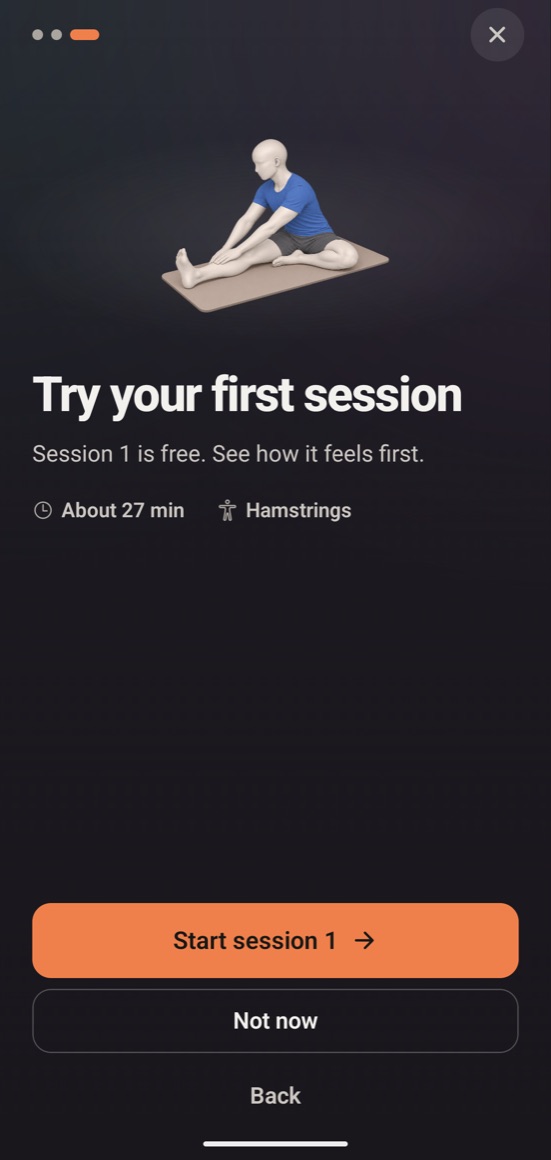
Session 1 is free. See how it feels first.
Coming soon to the App Store and Google Play
During a session
Follow along, one exercise at a time
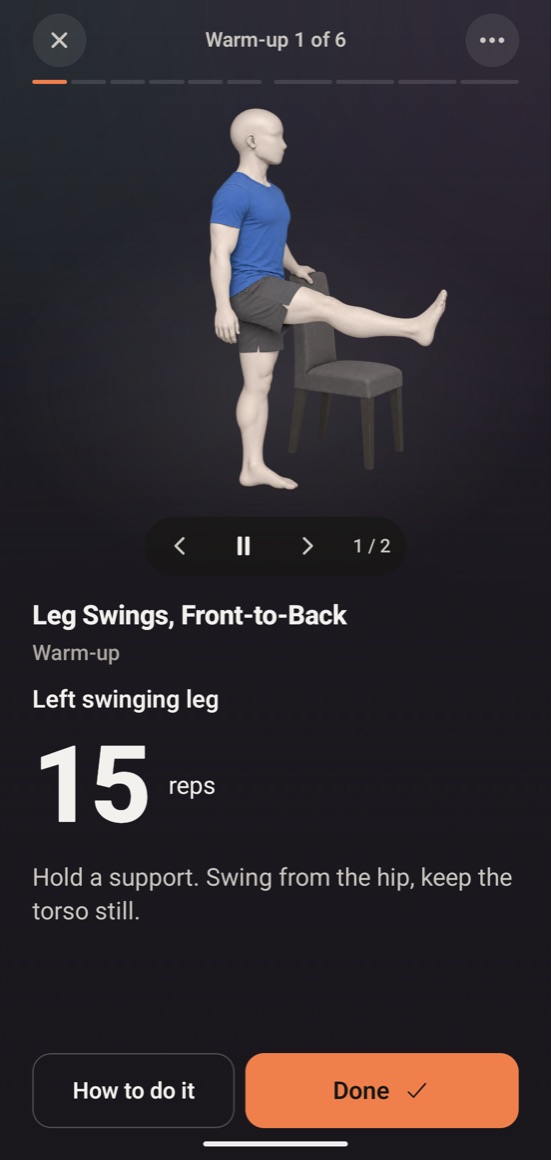
Timed exercises: tap Start and follow the timer.
Rep exercises: do the number shown, then tap Done.
How to do it shows the steps and pauses the timer.
Too hard? Some exercises have an Easier version.
Your 8 weeksOne exercise at a timeSession 1 is free
The full program
Unlock all 8 weeks
All 32 sessions: 4 a week for 8 weeks
Pictures and How to do it for every exercise
Easier versions where available
Repeat the program as often as you like
Every future update included
Pricing
Session 1 is free
Then choose one way to unlock the full program.
Best value
One-time
$39.99
Pay once. Yours to keep.
Monthly
$24.99 a month
Cancel anytime.
Prices in US dollars; your store shows the price in your currency. The monthly plan renews automatically until you cancel it in your App Store or Google Play settings. See the Terms of Use.
If it hurts, stop.
RangeRise is general fitness training, not medical advice. If you have an injury or a health condition, check with a doctor before you start.
Questions
Do I need an account?
No. RangeRise has no accounts and no ads. Your progress is saved on your phone.
How do I restore a purchase on a new phone?
Sign in to the same Apple Account or Google Account you bought with, open RangeRise, then go to Settings → Restore purchases.
How do I cancel the monthly plan?
Cancel in your App Store or Google Play subscriptions. The Support page has the steps.